Consulting Sessions
Remote or on-site reviews of your current desk configuration. We document findings and suggest practical adjustments aligned with recognised ergonomic standards.
Restoreyoung shares practical workspace guidance on desk layout, seating posture, and environmental factors. All content on this website is general informational material only and does not constitute professional medical advice.
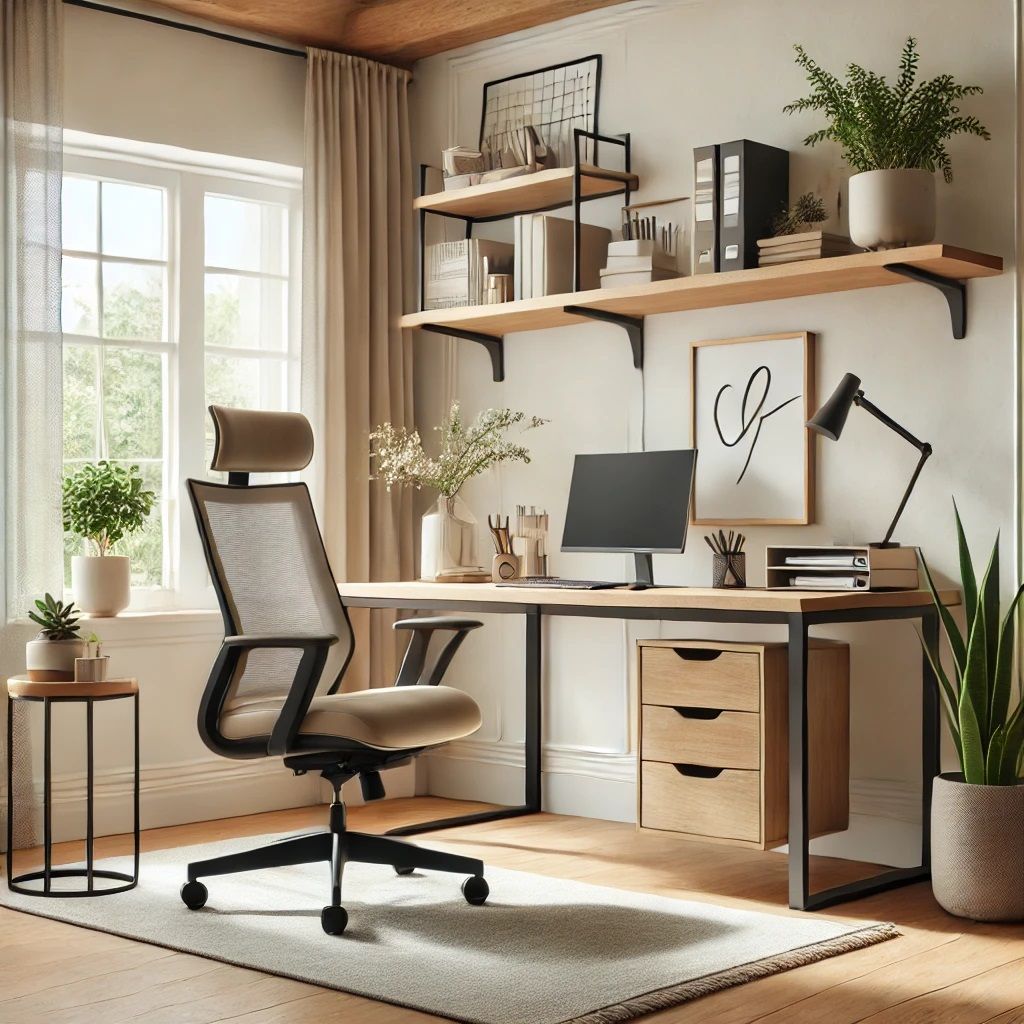

We examine how furniture placement, lighting angles, and equipment spacing interact within your workspace. Our consulting and educational materials focus on observable factors you can adjust independently, using widely accepted workplace setup principles as reference points.
Choose from personalised workspace plans, structured educational programmes, or one-on-one guidance sessions. Each option delivers general informational content tailored to your setup.
Remote or on-site reviews of your current desk configuration. We document findings and suggest practical adjustments aligned with recognised ergonomic standards.
Non-medical workspace improvement plans covering equipment selection, layout sketches, and phased implementation steps you can follow at your own pace.
Self-paced modules on posture awareness, equipment ergonomics, and workspace organisation. Designed for individuals and small teams across New Zealand.
Our assessment methodology covers multiple dimensions of workspace design. Results vary by individual circumstances and are presented as informational observations.
From initial observation to actionable suggestions, each stage builds on the previous one with transparent documentation.
You share photographs, measurements, and a brief description of your daily work activities. We review seating height, monitor distance, and peripheral placement.
We compile observations into a structured document highlighting alignment opportunities, equipment considerations, and environmental adjustments relevant to your setup.
Receive prioritised recommendations with step-by-step instructions. Follow-up correspondence is available to clarify any aspect of the suggested changes.
Maintaining shoulders relaxed, wrists straight, and feet supported can support neutral alignment during desk-based tasks.
Positioning screens at appropriate height and distance may help with visual tiredness commonly associated with prolonged digital work sessions.
Temperature, airflow, and acoustic conditions can influence concentration levels. We assess how these elements interact with your physical workspace.
Regular position changes and micro-breaks complement static desk arrangements. We provide scheduling templates suited to varied work rhythms.
Our four-week workspace awareness programme introduces concepts progressively, allowing time to apply each module before advancing.
Desk measurement basics and self-assessment techniques
Chair, keyboard, and monitor positioning fundamentals
Lighting, noise, and spatial organisation review
Combining adjustments into a sustainable daily routine
Feedback reflects individual impressions and should not be interpreted as universal outcomes. Each workspace presents unique characteristics.
Testimonials represent individual opinions only. They are not endorsements and do not reflect typical or expected results.
No. Restoreyoung provides general informational content about workspace ergonomics only. If you have concerns related to your work environment, please consult a qualified professional.
Yes, on-site consultations are available within the Auckland region. Remote assessments using photographs and video calls are also offered for clients elsewhere in New Zealand.
An initial review typically requires one to two business days after receiving your workspace details. Comprehensive reports with personalised plans may take up to five business days depending on complexity.
We discuss general equipment categories and feature requirements rather than endorsing particular brands. Our suggestions focus on functional criteria such as adjustability, support, and compatibility with your existing setup.